Empower Your Brand Identity:
Centralized Email Signature Management for Microsoft 365 & Outlook
Why Choose Crossware for Your Business?
Experience seamless, consistent, and compliant email signatures across your entire organization.
01

Centralized Control
Easily manage and update all employee signatures from a single, intuitive dashboard.
02

Brand Consistency
Ensure every email reflects your corporate identity, no matter where your team is located.
03

Automated Compliance
Stay compliant with legal disclaimers and company policies, automatically applied to every message.
04

Seamless Integration
Effortlessly integrates with Microsoft 365 and Outlook, ensuring a smooth user experience.
Implementing Crossware: Four Simple Steps
1
Sign Up
Start by creating your Crossware account to access centralized signature management.
2
Connect to Microsoft 365
Securely link your Microsoft 365 environment for instant deployment.
3
Design Signatures
Customize professional templates and assign them to users or groups.
4
Deploy Instantly
Activate your signatures across all devices and platforms within minutes.
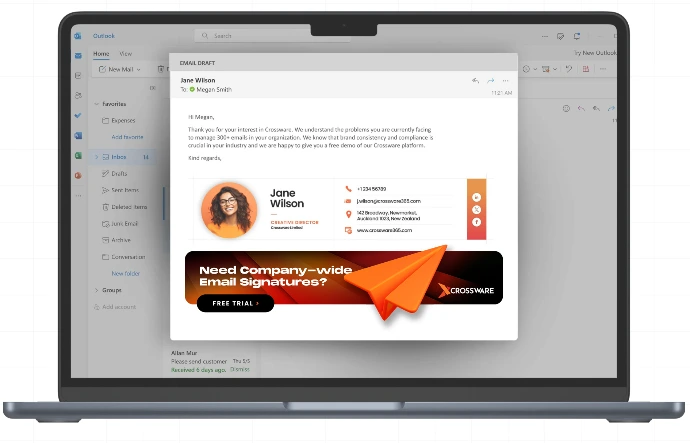
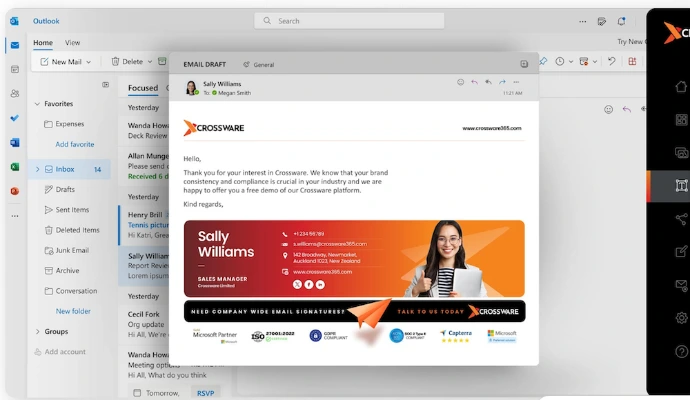
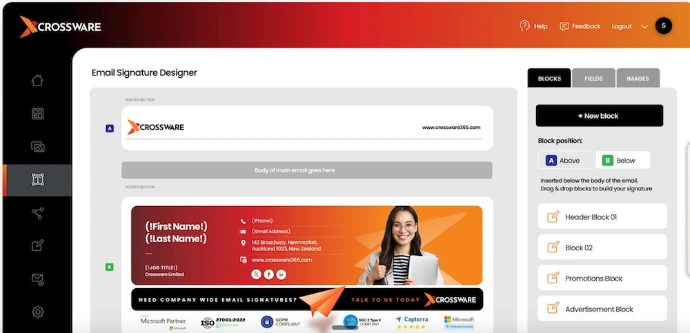

1 Central Server. Managing 1000s of Email Signature seamlessly